
Blog
3 Signs Your Email Is a Phishing Scam
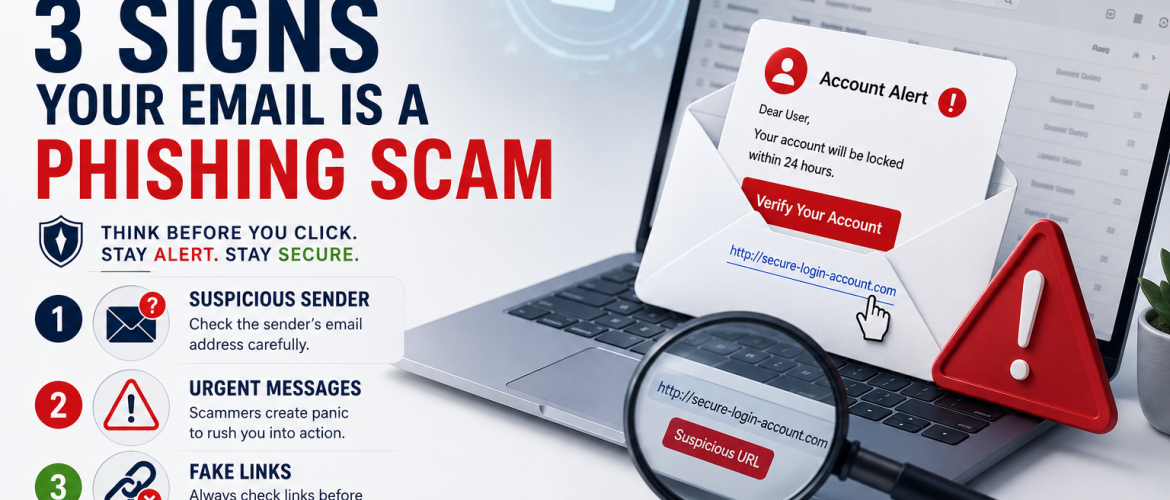
Protect Yourself Before You Click
Cybercriminals no longer need to break into your computer—they often convince people to give away their information. One of the most common methods is phishing, where attackers send fake emails designed to steal passwords, banking details, or personal information.
The good news? You can avoid many phishing attacks by recognizing a few common warning signs.
What Is a Phishing Email?
A phishing email is a fraudulent message that pretends to come from a trusted organization, such as your bank, an online shopping website, or your workplace. Its goal is to trick you into clicking a malicious link, downloading an infected attachment, or sharing sensitive information.
🚩 Sign #1: Suspicious Sender
The email may appear to come from a trusted company, but the sender’s email address tells a different story.
For example:
❌ support@bank-security123.com
❌ amazon-support-login.net
Instead of trusting the display name, always check the full email address. A legitimate organization usually sends emails from its official domain.
Tip: If something looks unusual, contact the organization through its official website instead of replying to the email.
🚩 Sign #2: Urgent or Threatening Messages
Phishing emails often create panic to pressure you into acting quickly.
Examples include:
- “Your account will be locked today!”
- “Verify your account within 24 hours.”
- “Immediate action required.”
Scammers rely on urgency because they want you to react before thinking.
Tip: Pause for a moment. Genuine companies rarely demand immediate action through threatening emails.
🚩 Sign #3: Fake Links
A phishing email may contain a link that looks legitimate but actually directs you to a fake website.
Before clicking:
- On a computer, hover your mouse over the link to preview the destination.
- On a mobile phone, press and hold the link to view the URL before opening it.
If the address looks strange or doesn’t match the company’s official website, don’t click
How to Stay Safe
Protect yourself with these simple habits:
- Verify the sender’s email address.
- Be cautious of urgent or threatening messages.
- Check links before clicking.
- Never share passwords or one-time verification codes by email.
- Enable Multi-Factor Authentication (MFA) whenever possible.
- Keep your operating system, browser, and antivirus software up to date.
Cybersecurity begins with awareness. Most phishing attacks succeed because someone clicks without verifying the message first. Taking a few extra seconds to inspect an email can protect your personal information, finances, and digital identity.
Remember:
Think Before You Click. Stay Alert. Stay Secure.
Follow NextGen Wisdom Pakistan
🚀 Practical IT Knowledge
🔐 Cybersecurity Awareness
🤖 AI Productivity Tips
🌐 Networking & System Administration
📈 Career Growth for IT Professionals